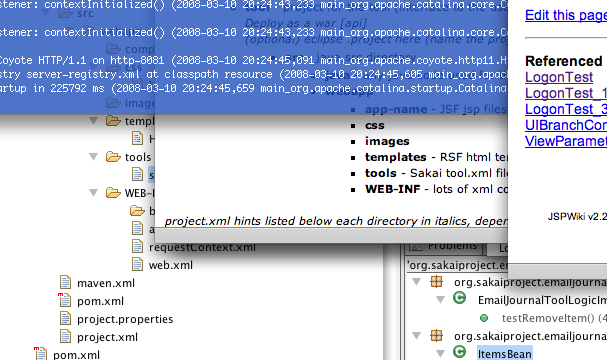
So, I am trying to jump into Sakai development by writing a tool that can keep a log of email conversations between instructors and students. Since I’m new to Sakai, I will probably end up starting over a few times before I figure out the best way to develop. I decided, at the advice of a coworker to start using RSF and the App Builder plugin. So far, it’s pretty intimidating. I started by doing a full CRUD framework, since that is one of the options for the plugin. I think digesting RSF and the way they set up their Hibernate stuff at the same time is a bit much, so I’ve gone backwards to starting with their hello world app, which I’m going to try to convert into a number guessing game to give me a handle on session management, RSF, etc. It seems like there is a pretty serious lack of any tutorials that go beyond modifying the hello world to say something different. The whole video tutorial thing is pretty cool, so maybe I’ll make one if I get far enough along. But for now, I can recommend starting with hello world if you don’t know RSF already. I can also say that RSF looks pretty nice so far. Much simpler than JSF but some of the same good ideas.
Sakai and the App Builder plugin
Leave a reply
 Al's Blog